
Prompt
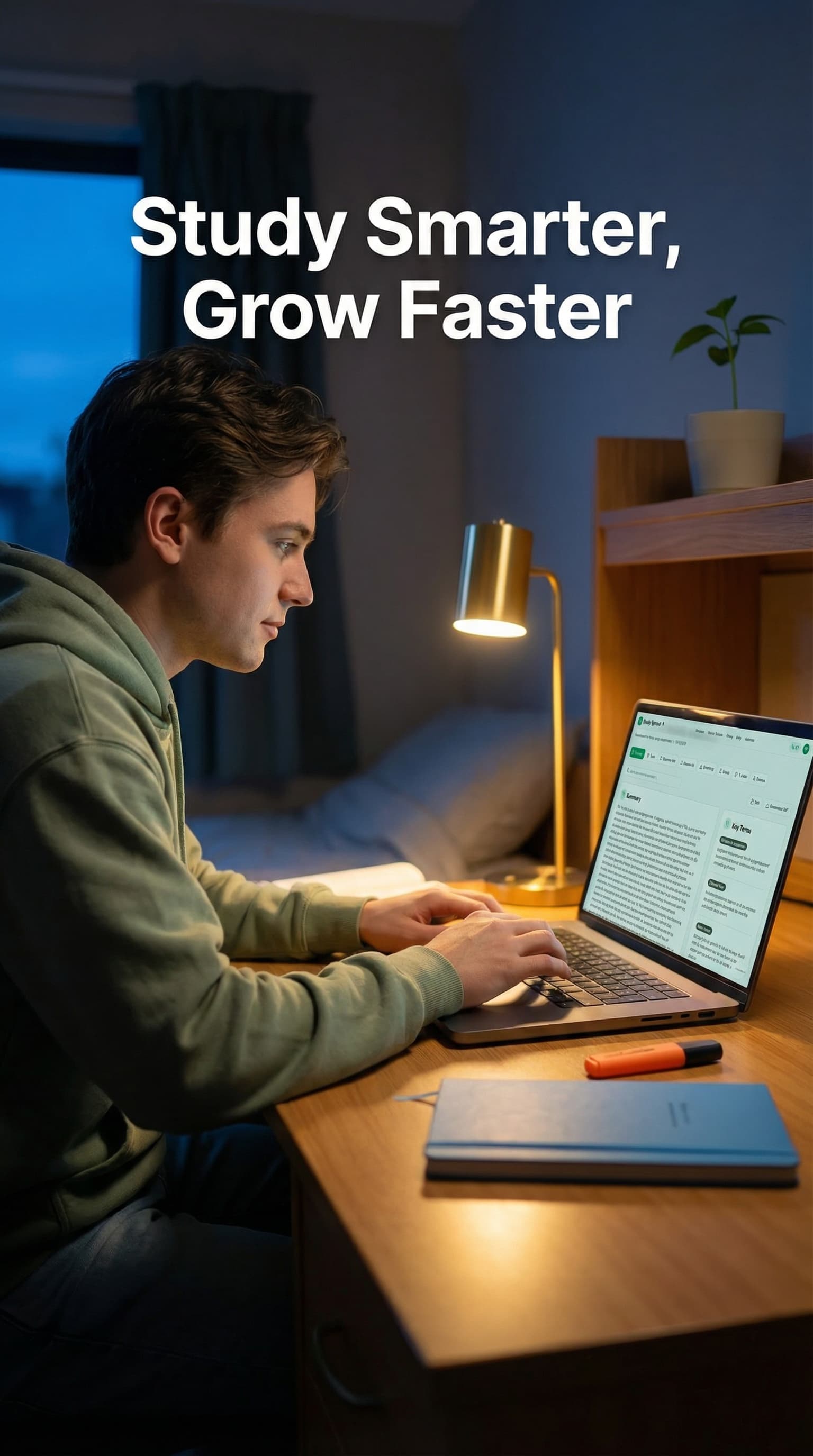
TikTok-style content, vertical mobile format, engaging and authentic, native feel, trending aesthetic. Cinematic vertical shot optimized for a TikTok in-feed advertisement, featuring a focused university student in their early 20s sitting at a clean, modern desk. The student, wearing a comfortable sage green hoodie, has a look of calm productivity and "aha!" realization as they interact with a sleek laptop. The laptop screen prominently displays the Study Sprout interface, specifically a "Smart Study Pack" dashboard featuring a clear summary on the left and a "Key Terms" sidebar on the right, mirroring the platform's signature clean typography and vibrant green #4CAF50 accents. The environment is a cozy, organized dorm room during the soft glow of the blue hour. A warm desk lamp provides a golden light that highlights the student’s face and the polished wooden desk surface. In the background, a small potted sprout plant sits on a shelf, subtly echoing the brand’s theme of growth, while the background is softly blurred with a shallow depth of field to keep the focus on the student and the digital interface. The color palette is a sophisticated blend of the brand’s fresh green, vibrant blue #2E90FA, and warm orange #F5A623, integrated through desk accessories like a blue minimalist notebook and a small orange highlighter. The overall atmosphere is empowering, innovative, and efficient, capturing the essence of "Study Smarter, Grow Faster." The composition is a medium close-up, angled slightly from the side to show both the student's engaged expression and the intuitive AI-powered platform on the screen. High-quality commercial photography, 8K resolution, photorealistic textures, and a bright, optimistic editorial style.

Create Your Own Brand Ad
Use AI to generate stunning brand advertisements just like this one.
Start Creating